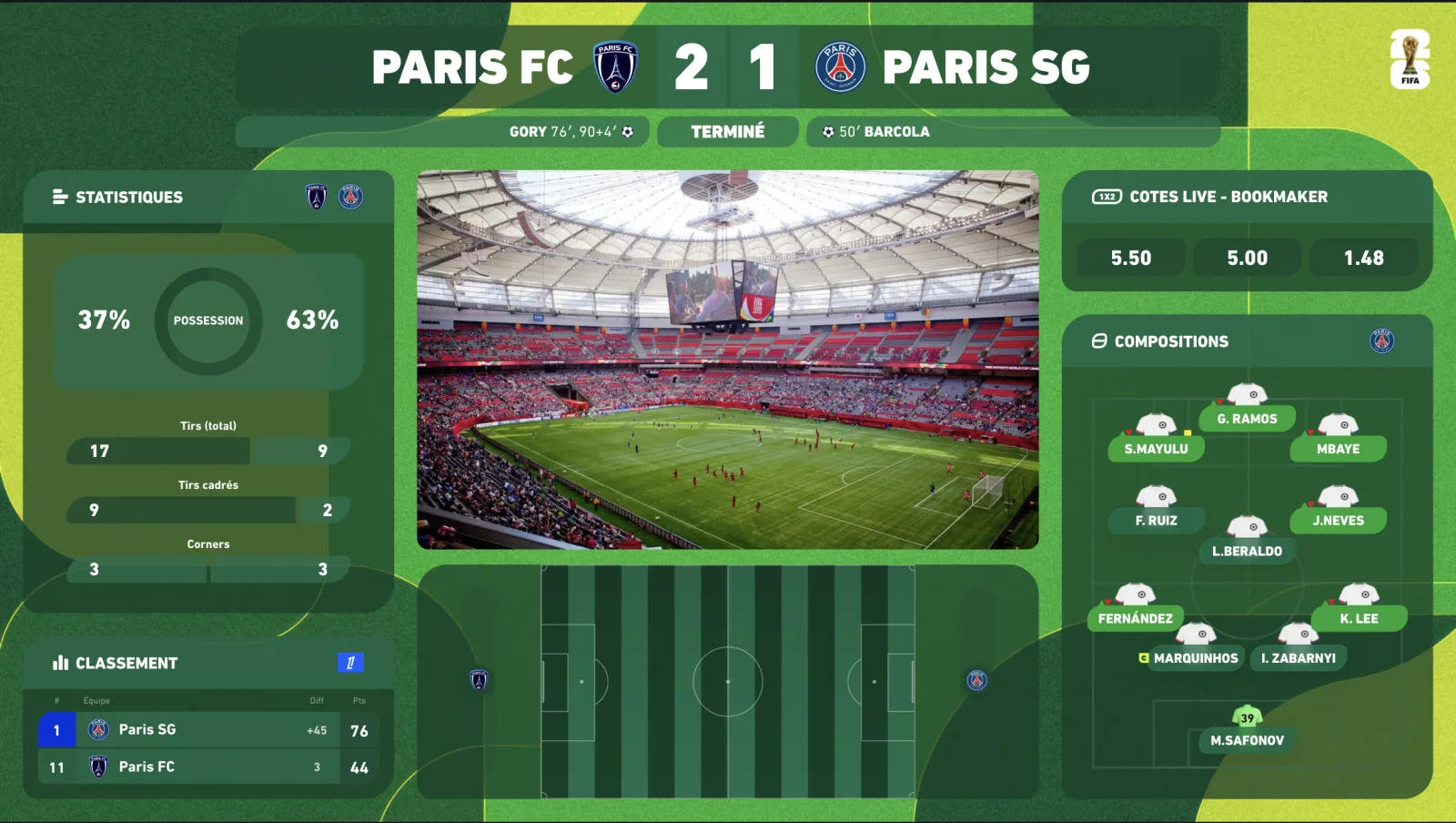
The watchalong overlay: react to a live match, spoiler-free
The watchalong — reacting live to a match in front of your community, without showing the match footage — has become THE format of football streaming on YouTube and Twitch. But it raises two problems classic overlays don't solve: spoilers (your feed runs behind the live action) and information (your viewers don't watch the match on your stream, so your graphics must tell its story). The watchalong overlay answers exactly these two problems.
Live in OBS in 5 minutes • Monthly, no commitment
Already on air with L'immigré Parisien, Le Journal du Real, Real France and TonyoTv
Why a watchalong needs a specific overlay
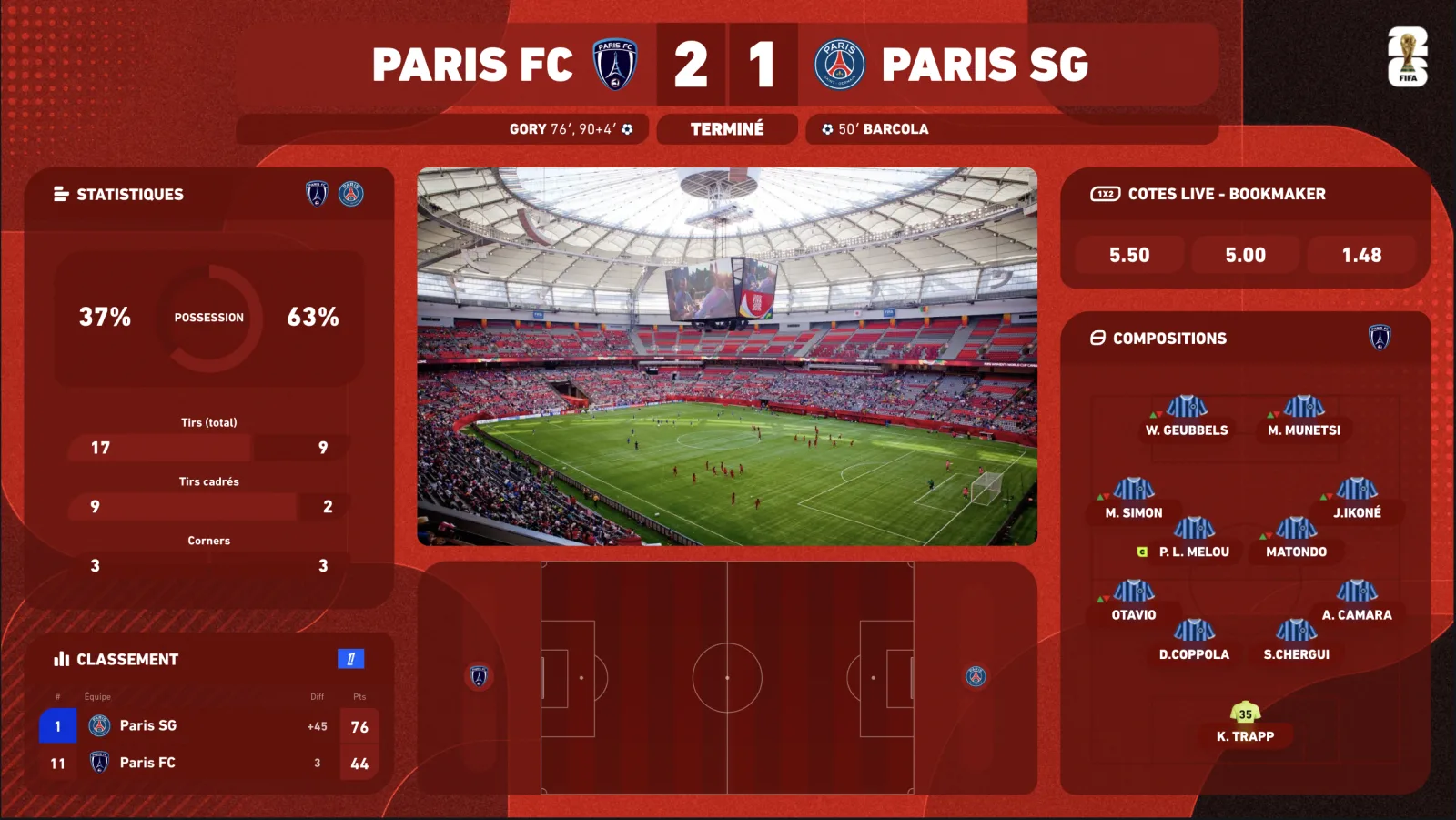
In a watchalong you never rebroadcast the match feed — that is what keeps the format legal and sustainable, since TV rights stay with the broadcaster. Your viewers watch the match on their own screen and watch YOU react. Consequence: your stream has to carry all the match information (score, minute, events, stats) without ever showing its footage.
That is where a connected overlay changes everything: a synced scorebug, real-time stats, lineups, an animated radar showing the flow of the game — your viewers follow everything even with only your camera on screen. Your watchalong becomes a proper studio show, not a webcam shouting.
The 3pm blackout: why the watchalong is the UK's native format
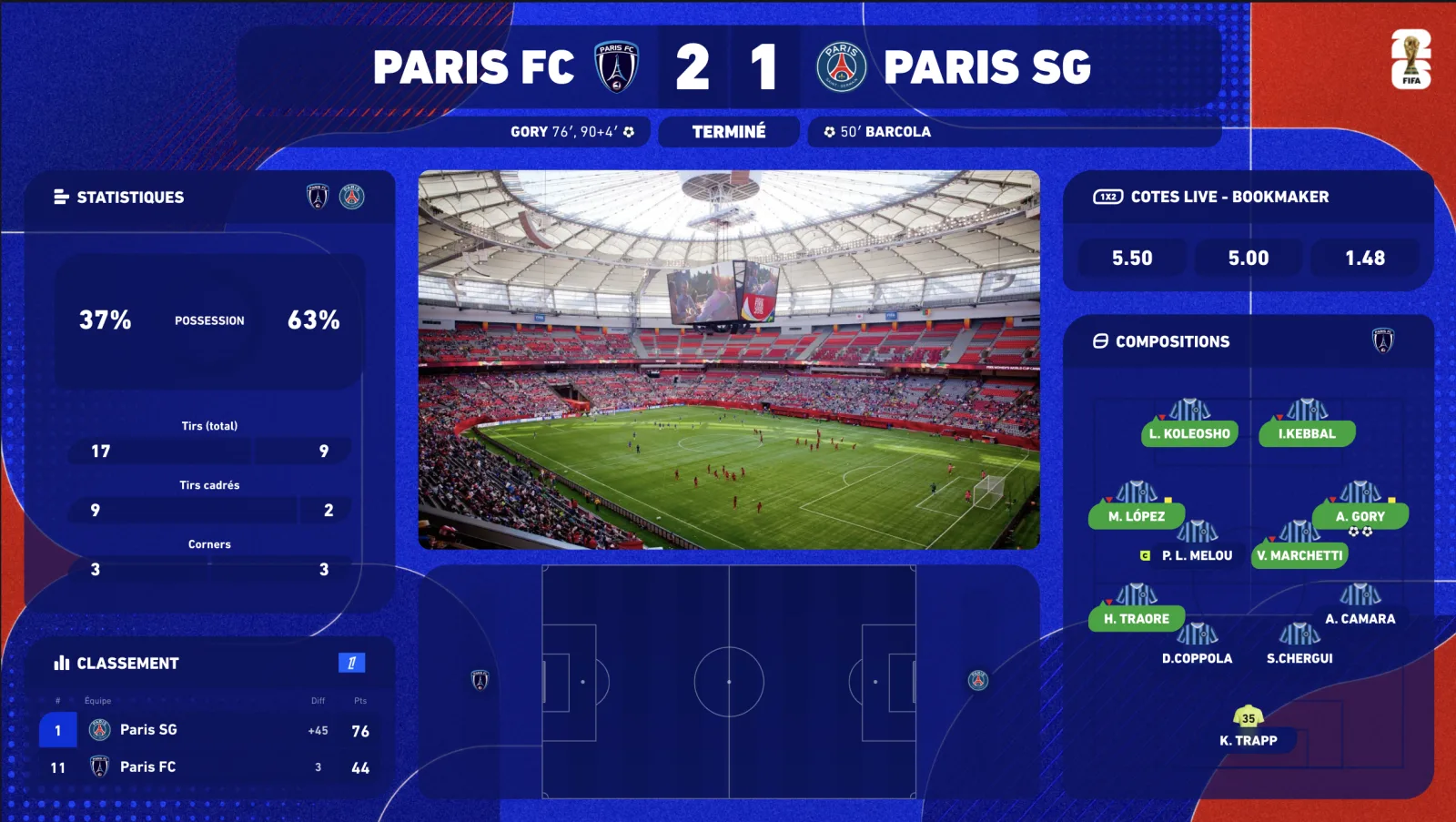
In the UK, the Saturday 3pm kick-offs are not shown live on television. For decades that meant radio and score-updates. Today it means watchalongs: creators reacting live to a match their audience is following on the radio, on score apps or in the stadium — and the overlay is doing the job the pictures cannot. Live score, scorers, cards, the multi-score of the other 3pm games and the live table: at 3pm on a Saturday your graphics are the broadcast.
- Multi-score for the 3pm slot — every game kicking off at once, with a live table (Multiplex option).
- EFL and lower-league coverage — Championship, League One and League Two channels are among the biggest watchalong communities in the country.
- Delay control that also works for radio — sync the overlay to the radio commentary your viewers follow, not to the data feed.
- Club themes for single-club channels; the Premier League or EFL theme for the multi-score days.
Set up a pro watchalong in 4 steps
-
01
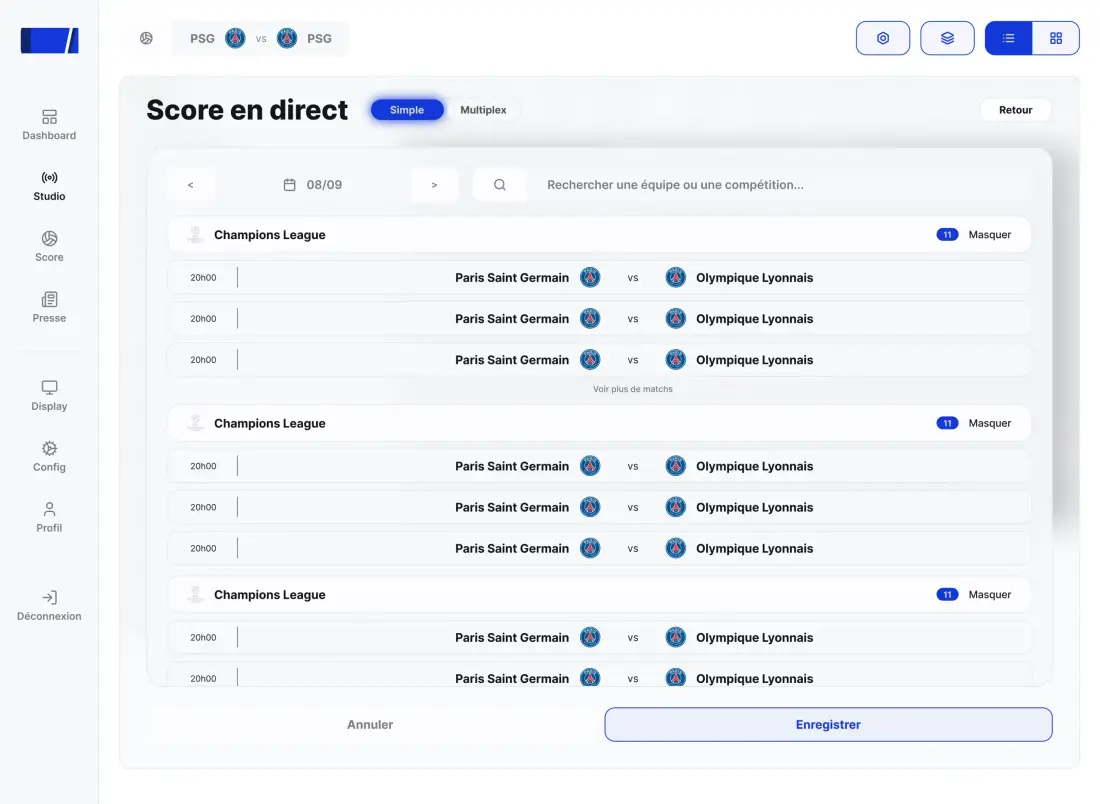
Pick the match in the dashboard
Every major competition is covered: Premier League, Champions League, La Liga, AFCON, EURO, World Cup…
-
02
Add the overlay to OBS as a browser source
One private URL, a transparent background, your graphics on top of your camera. Full setup in under an hour the first time.
-
03
Sync the overlay to your latency
Compare your feed to the live action, set the delay, done. The overlay is now synced to your broadcast, not to the stadium.
-
04
Go live — the overlay runs itself
Score, stats and events land at the right moment. You run the show; lineups, half-time and celebration fullscreens trigger from your Stream Deck.