Premier League overlay: your stream in the league's colours
Arsenal, Liverpool or City watchalong, the Saturday 3pm multi-match, Boxing Day: the Premier League is the most-covered league by football creators. A connected Premier League overlay shows the score, scorers, lineups and stats in real time, in the competition's look — while you react, not while you retouch images. Here is what it needs to do, and how to install it in OBS.
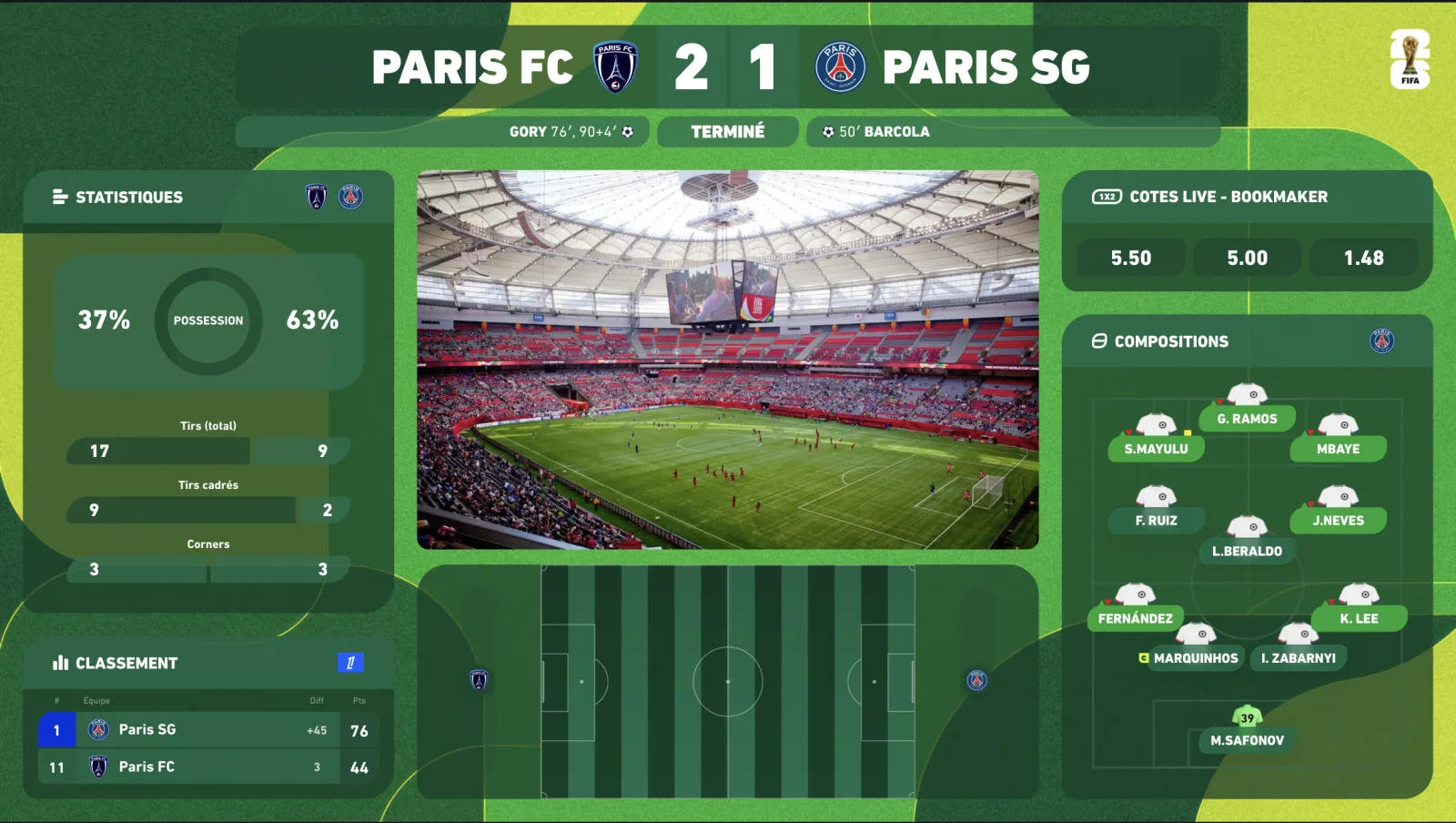
The Premier League rhythm, seen from your stream
20 clubs, 38 matchdays, and a dense typical week: Friday night, the Saturday 3pm multi-match — the slot with no live TV pictures in the UK, which is exactly why watchalongs and data-driven streams thrive there — the Saturday evening headliner, two or three Sunday games, Monday Night Football. Not to mention December's midweek rounds and Boxing Day, when your overlay must chain matches without you having time to reconfigure it.
- Score and clock synced to official data, aligned to your broadcast delay.
- Lineups and substitutions automatic from publication, an hour before kick-off.
- Live stats — xG, possession, shots, cards: the numbers your chat argues about.
- Saturday multi-score — every 3pm game inside the same overlay, with the live table.
- Premier League skin — the competition on every widget; your club's theme in one click if you cover a single team.
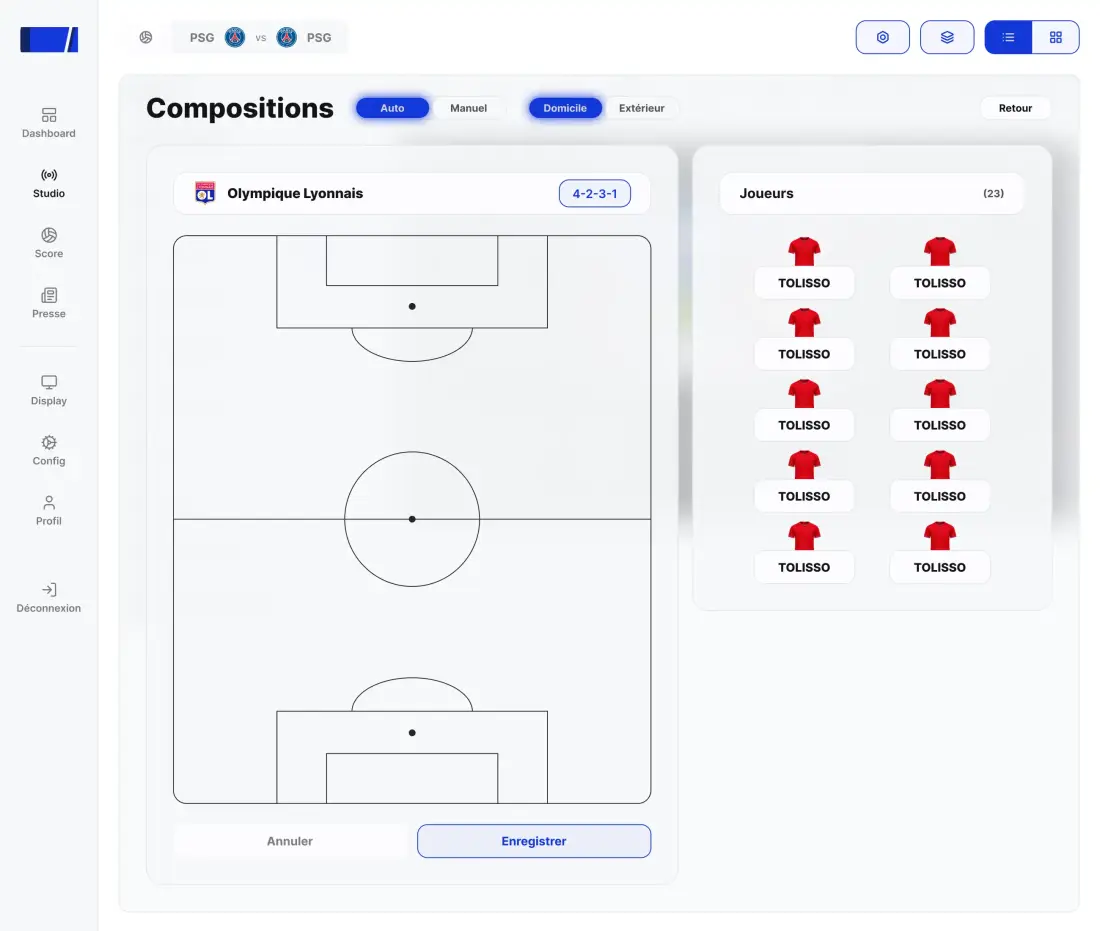
Installing your Premier League overlay in OBS
-
01
Activate the Premier League theme
From the dashboard, apply the theme to all your widgets — your free theme can be this one, otherwise it is à la carte at €9.99/month. Covering one club only? Add its theme from the marketplace.
-
02
Select the match — or the 3pm games
Every fixture is listed as soon as the schedule is published. Tick the match you are covering, and the others if you want the multi-score.
-
03
Browser source in OBS
Sources → + → Browser → paste the URL, 1920×1080, transparent background. No plugin; the same URL in Streamlabs, vMix or XSplit.
-
04
Align the delay to your broadcast
20 to 60 seconds behind on YouTube or Twitch: enter it in the delay control and the score will never spoil your chat again.
-
05
Drive it from your Stream Deck
Lineups, stats, goal fullscreen, multi-score: one key per widget. You stay on camera.
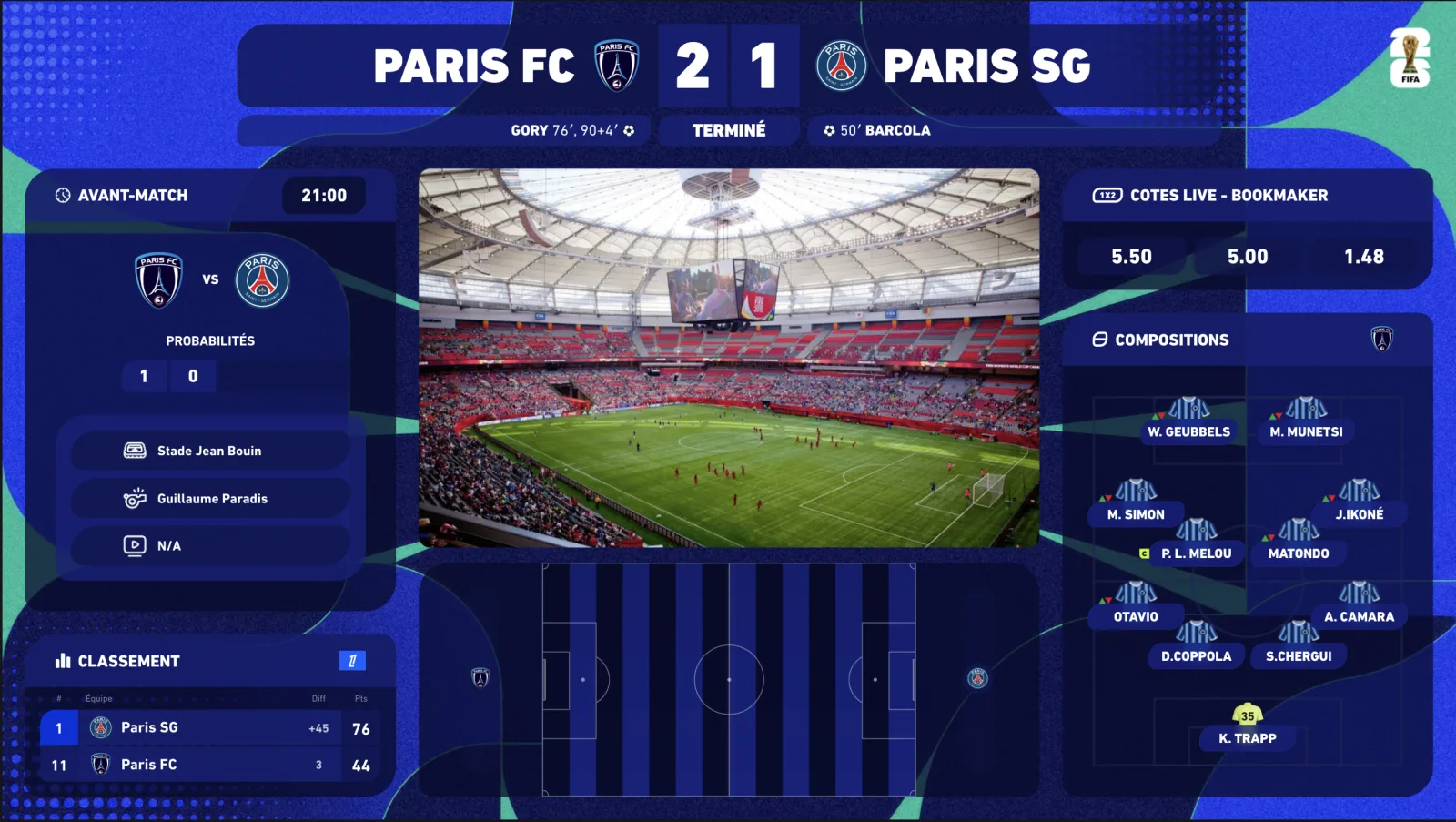
The Saturday multi-match: the king format, without the manual work
Saturday 3pm often means five to seven matches at once. It is the format that draws the biggest audiences for a creator — and the worst nightmare with static graphics. With the Multiplex option, every selected match lives inside the same overlay: multi-score, scorers, each game's minute, table recalculated on every goal. You commentate.
✗Static graphics
✓InPlayStudio Premier League overlay
01
✗ Score edited by hand, often late
✓ Score synced to official data, spoiler-free
02
✗ Nothing on the other 3pm games
✓ Multi-score + live Saturday table
03
✗ Lineups typed before the live
✓ Starting elevens and substitutions, automatic
04
✗ A generic purple background bought on a marketplace
✓ Consistent Premier League skin, club theme in one click
How much does it cost?
Three self-serve plans, with a 7-day free trial (card required, €0 today, cancel in two clicks) and -20% on annual billing. Competition themes are added à la carte, any time, without changing plan.
- Starter — €69/month: the 5 essential widgets (including the scorebug), real-time premium data, Stream Deck.
- Premium — €149/month: everything in Starter + animated 2D/3D radar, pre-match & standings, player ratings, fullscreens, 1 competition theme of your choice included free — 16 widgets in total.
- Premium White-label — €249/month: Premium without watermark, 100% your brand, priority support.
- Extra competition themes: €9.99/month per theme, switched on and off from your customer area.
Frequently asked questions
Does the overlay cover every Premier League match?
Yes: all 38 matchdays, every fixture, with score, clock, scorers, cards, lineups and statistics in real time via our premium data providers.
Can I show the Premier League score without TV rights?
Yes. Factual match data (score, minute, stats) is not covered by the broadcasting rights of the video feed. You never show the pictures — only the data graphics of your own show.
How do I handle the Saturday 3pm multi-match?
With the Multiplex option: select the matches, the overlay shows a synced multi-score, the scorers of each game and the live table — with no manual work during the live.
I do a single-club watchalong — Arsenal, Liverpool, City…
The marketplace club themes put the whole overlay in your team's colours, and you can keep the Premier League theme for multi-match days.
Is the Premier League theme included in my plan?
Every subscription includes 1 free competition theme of your choice; extra themes are €9.99/month, switched on and off from your customer area.

