2D/3D football radar: show the match live — without the pictures
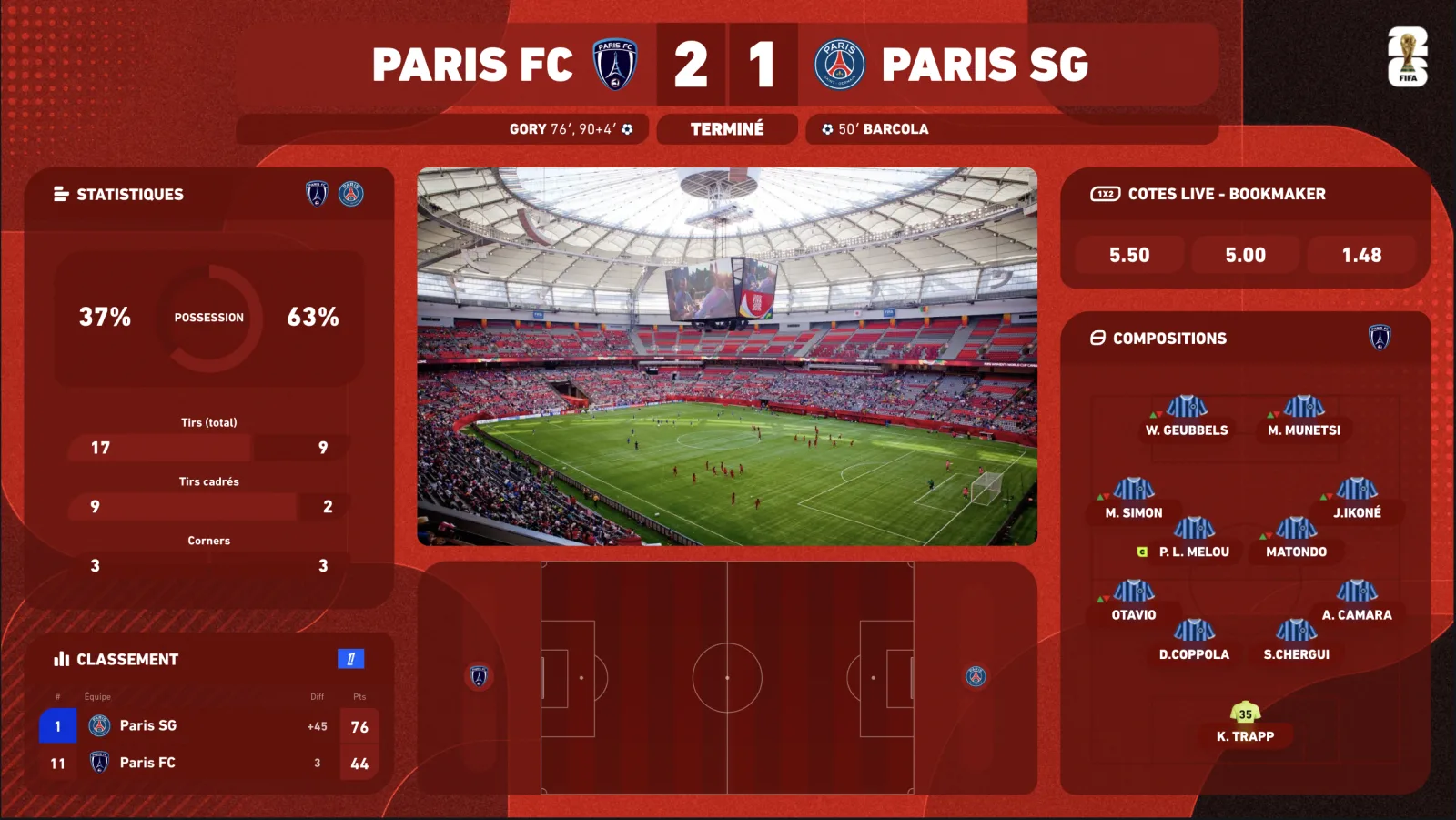
In a watchalong you are not allowed to show the pictures. The football radar is what replaces them: an animated virtual pitch displaying in real time where the ball is, which side is attacking, the dangerous phases, corners, shots — the shape of the match, second by second. It is the “live match tracker” you know from results sites and broadcasters, but built to sit in OBS, in your competition's colours, aligned to your broadcast delay. Here is what it changes on screen and how to install it.
What exactly is a football radar?
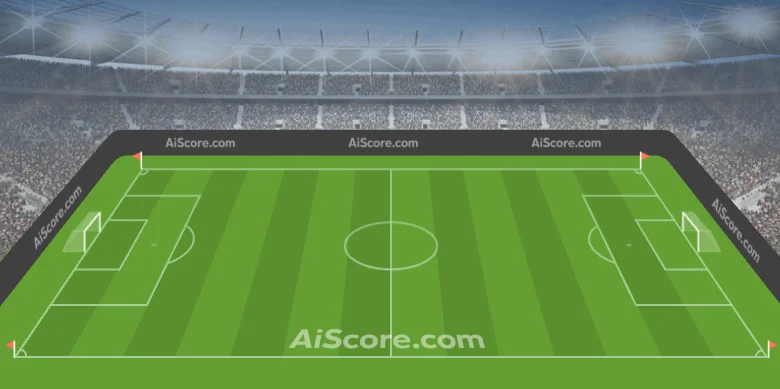
A radar (or live match tracker) is an animated representation of the match, fed by live event data: possession, ball zone, attacks and dangerous attacks, shots, corners, free kicks, goals. The pitch comes alive: the ball moves from one half to the other, the danger zone lights up, the shot goes, the goal explodes. Without a single broadcaster picture, your viewers see what is happening.
- 2D radar — the classic top-down view, legible even at small size, ideal as a permanent widget in a corner.
- 3D radar — the same data on an animated perspective pitch: the “TV studio” format, spectacular in fullscreen or between two actions.
- Fed by the same premium data as the scorebug and the stats: latency of a fraction of a second, full consistency with the displayed score.
- Spoiler-free — like all our widgets, the radar follows the delay control: the action appears when your viewers see it, never before.
Why the radar changes a watchalong
The watchalong's problem is the visual dead time: between two reactions, your screen shows your face and a score. Your viewers who do not have the match in front of them — commuting, at work, on a phone, or following the 3pm game on the radio — have no idea what is going on. The radar fills that gap: it gives the tension of the match continuously, it announces the goal before you react, it makes your live watchable even without the match next to it.
✗Watchalong without radar
✓Watchalong with the InPlayStudio radar
01
✗ Between two goals, the screen tells nothing
✓ The animated pitch shows the shape of the match continuously
02
✗ The viewer without the match cannot follow your reactions
✓ They see the dangerous attack, the corner, the shot — and understand
03
✗ “There's a corner”: you describe
✓ The corner is displayed: you commentate
04
✗ The live only makes sense with the match alongside
✓ The live stands on its own — on mobile too
Installing the radar in OBS
-
01
Enable the radar in your overlay
The 2D/3D radar is part of the Premium plan (and White-label). In the dashboard, choose 2D, 3D or both depending on your scenes, and the competition theme.
-
02
Browser source, like the rest
The radar is served by the same overlay URL as your scorebug and stats: a single 1920×1080 browser source in OBS, transparent background, no plugin.
-
03
Choose its place
2D radar as a permanent widget (bottom corner or side), 3D radar in fullscreen for the key moments, or in a “studio” scene with your camera inset.
-
04
Set the delay
The delay control applies to the whole overlay: radar, score and stats stay in sync with each other and with your broadcast.
-
05
Trigger it from the Stream Deck
One key to show the 3D radar fullscreen on a chance, another to come back to your camera. You stay focused on the commentary.
Radar alone or complete overlay?
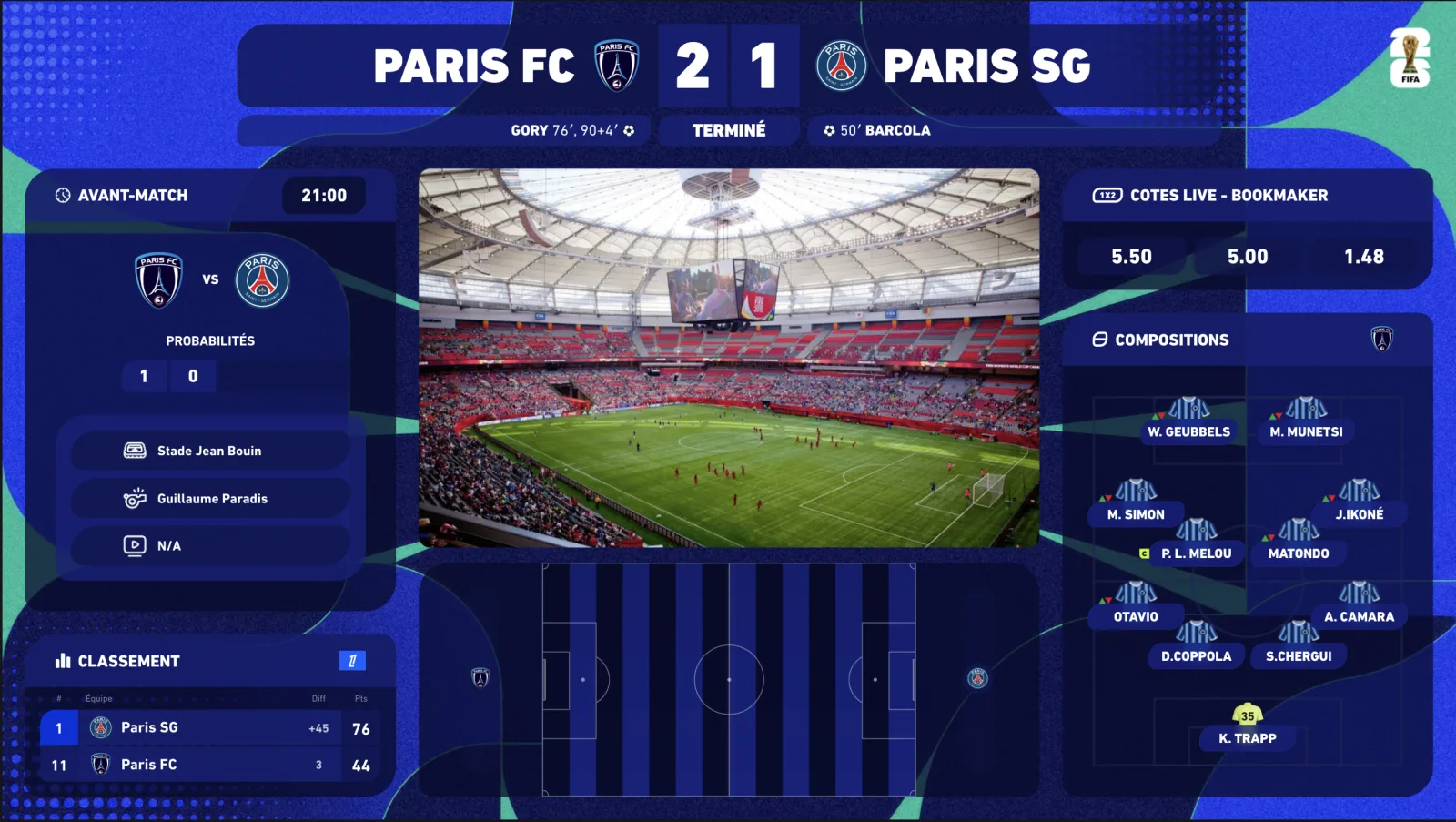
Embeddable match trackers exist, designed for betting or results websites. They are neither built for OBS (background, size, transparency), nor syncable to your broadcast delay, nor skinned in your competition's colours — and they show the goal before your viewers. The InPlayStudio radar is part of a complete overlay: same theme, same delay, same URL as your scorebug, lineups and stats.
- Visual consistency — radar, score, stats and lineups share the competition's or your club's skin.
- Synchronisation — a single delay control for the whole overlay.
- Control — dashboard and Stream Deck to fire everything without alt-tabbing.
- Coverage — Premier League, EFL, cups and every major European competition via our premium data providers.
How much does it cost?
Three self-serve plans, with a 7-day free trial (card required, €0 today, cancel in two clicks) and -20% on annual billing. Competition themes are added à la carte, any time, without changing plan.
- Starter — €69/month: the 5 essential widgets (including the scorebug), real-time premium data, Stream Deck.
- Premium — €149/month: everything in Starter + animated 2D/3D radar, pre-match & standings, player ratings, fullscreens, 1 competition theme of your choice included free — 16 widgets in total.
- Premium White-label — €249/month: Premium without watermark, 100% your brand, priority support.
- Extra competition themes: €9.99/month per theme, switched on and off from your customer area.
Frequently asked questions
Does the radar show match pictures?
No — and that is the point: it is an animated representation built from live data (ball position, phases of play, shots, corners). No broadcaster pictures, so no rights issue.
What is the radar's latency?
A fraction of a second after the real event, via our premium data providers — then aligned to your broadcast delay by the spoiler-free control, so the action shows when your viewers see it.
2D or 3D radar: which one?
Both are included in the Premium plan. 2D is legible when small and suits a permanent widget; 3D is the spectacular format for fullscreen and key moments. Many creators use both depending on the scene.
Which plan includes the radar?
Premium (€149/month, 1 free competition theme of your choice) and Premium White-label (€249/month, no watermark). It is available immediately after subscribing.
Which competitions does it work for?
Premier League, EFL Championship, FA Cup, Carabao Cup, Champions League, Europa League, Conference League, LaLiga, Serie A, Bundesliga, Ligue 1 and the major international competitions — with each competition's theme applied to the radar.
Does the radar work in OBS, Streamlabs, vMix?
Yes: it is served in the same browser source as the rest of the overlay, supported by every modern streaming software.

