Champions League overlay: European nights in broadcast-grade graphics
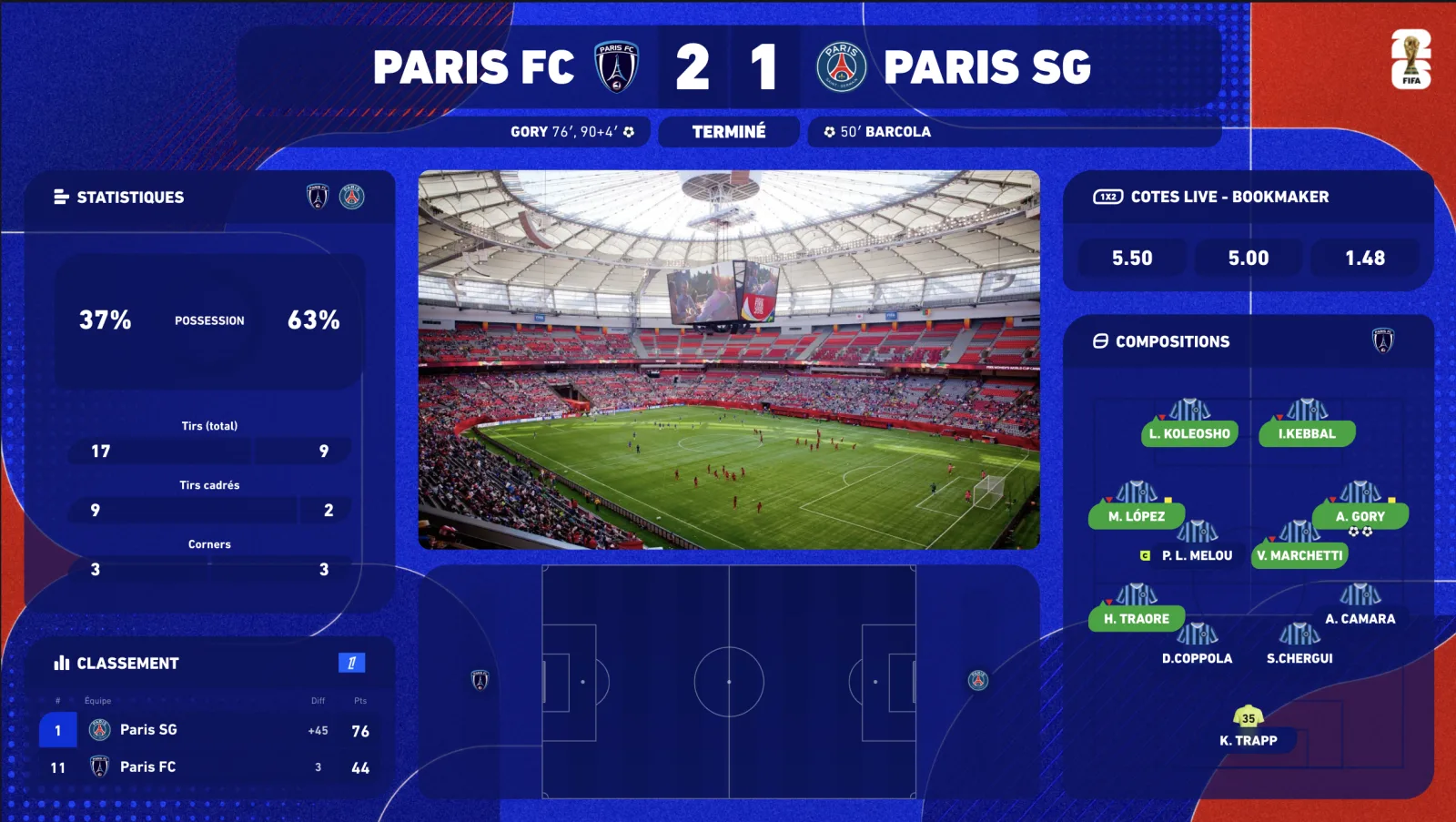
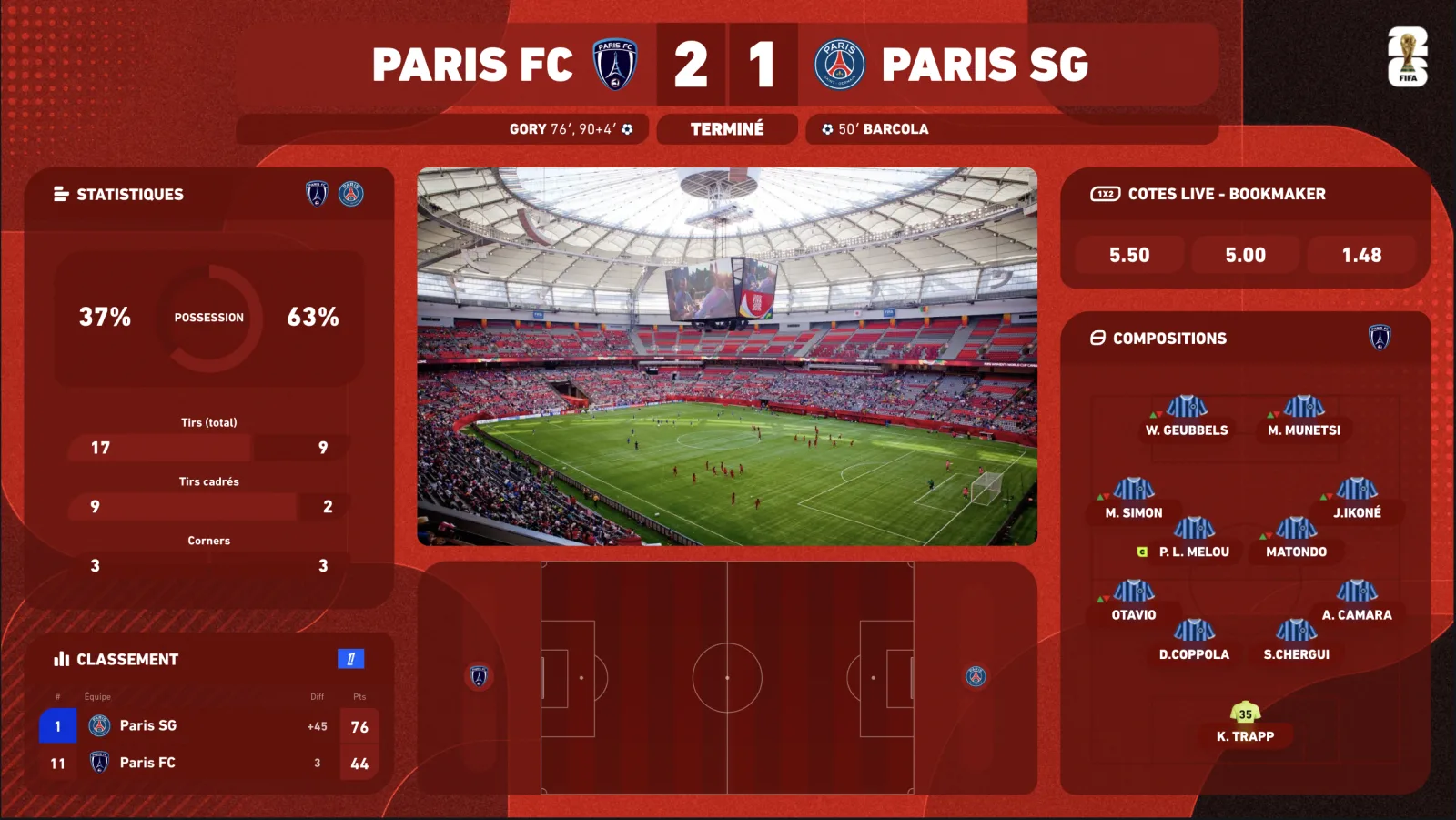
Tuesday and Wednesday, 9 pm: the Champions League is when your audience is at its largest — and its most demanding. A connected Champions League overlay shows the score, scorers, lineups, stats and radar of the match you are covering, in the competition's own look, while you react. And when six matches kick off at once, the multi-match view keeps everything on screen. Here is how to set it up — and why a static template does not survive a UCL night.
What makes a Champions League night different
Since the format change, the league phase gathers 36 clubs, each playing 8 matches against 8 different opponents in a single table. The result: nights with six simultaneous kick-offs at 9 pm (plus the 6:45 pm slot), a league table that moves with every goal, then the knockout play-offs, round of 16, quarter-finals, semi-finals and the final in spring.
For a creator this changes everything: your Arsenal, Real or Bayern watchalong also has to follow what happens elsewhere, because your chat does. A Champions League overlay therefore has to hold two things at once: your match, front and centre, and the whole night around it — other scores, live table, scorers.
- Spoiler-free score — synced to your broadcast, not to the live feed: the goal appears when your viewers see it.
- Lineups and substitutions — automatic from the official publication.
- Live stats — xG, possession, shots, cards, updated on every action.
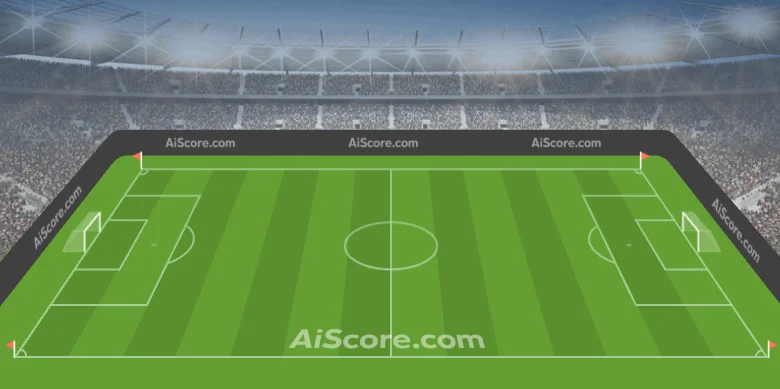
- 2D/3D radar — the shape of the match animated on a virtual pitch, to bring phases to life without pictures.
- Multi-score and league-phase table — the other matches of the night on your screen.
Setting up your Champions League overlay in OBS
-
01
Activate the Champions League theme
From the dashboard, apply the UCL theme to all your widgets — your free theme can be this one, otherwise it is à la carte. One click skins everything.
-
02
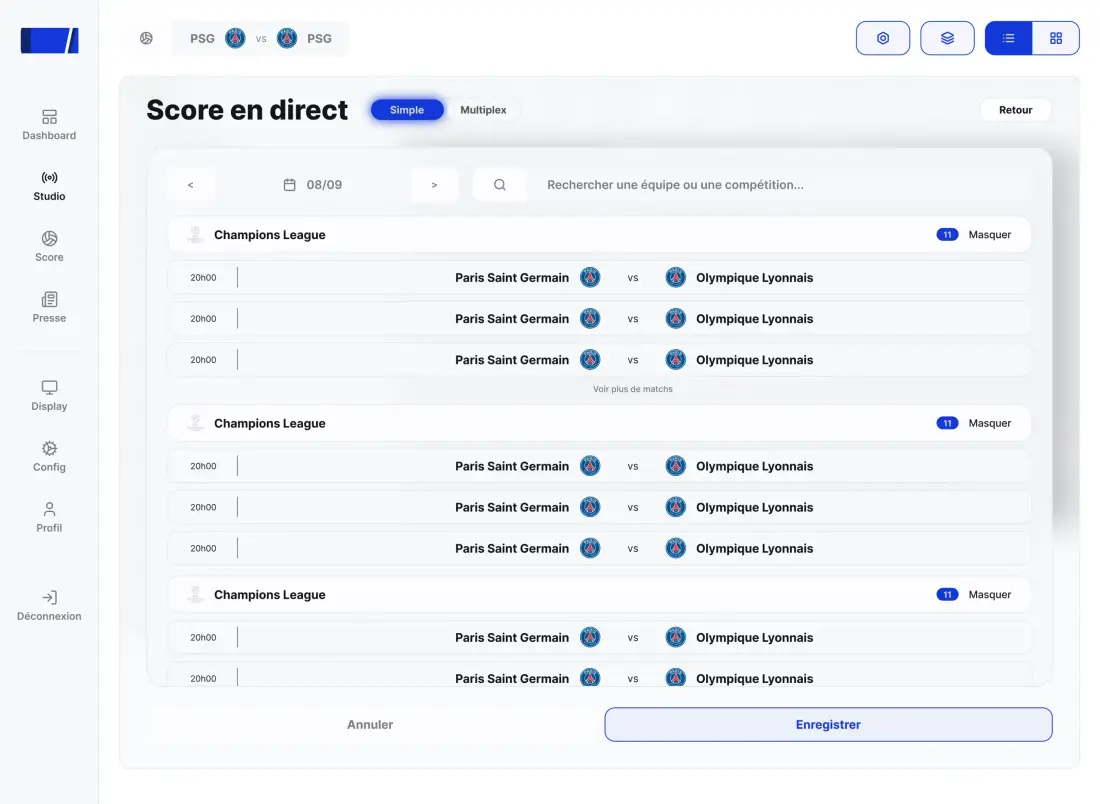
Pick your main match and the multi-match fixtures
Select the game you are covering; add the other fixtures of the night if you want the multi-score and live table on screen.
-
03
Browser source in OBS, 1920×1080
Sources → + → Browser → paste your overlay URL. Transparent background, no plugin. The same URL works in Streamlabs, vMix or XSplit.
-
04
Sync the delay
Measure your broadcast delay (usually 20 to 60 s), enter it in the delay control: no more risk of spoiling your own chat.
-
05
Prepare your Stream Deck scenes
One key for lineups, one for stats, one for the goal fullscreen, one for the multi-score. On the night, you commentate — the overlay does the rest.
Static template or connected overlay for the UCL?
A €30 “Champions League” image pack roughly survives a pre-match show. It does not survive a league-phase night: six matches, thirty potential goals, a moving table, lineups published an hour before kick-off. Here is what it looks like on screen:
✗ Score edited by hand after every goal
✓ Score synced to official data, aligned to your broadcast
✗ No information on the other matches of the night
✓ Multi-score + live league-phase table
✗ Lineups typed in an editor before the live
✓ Starting elevens and substitutions, automatic
✗ No stats, or read off a third-party site
✓ xG, possession, shots — inside the overlay, in real time
✗ A generic blue background
✓ Consistent UCL skin on every widget, club theme in one click